 ← All guides
Shop and inventory
Spend Stellar Credits, use consumables and earn credits from rewarded videos.
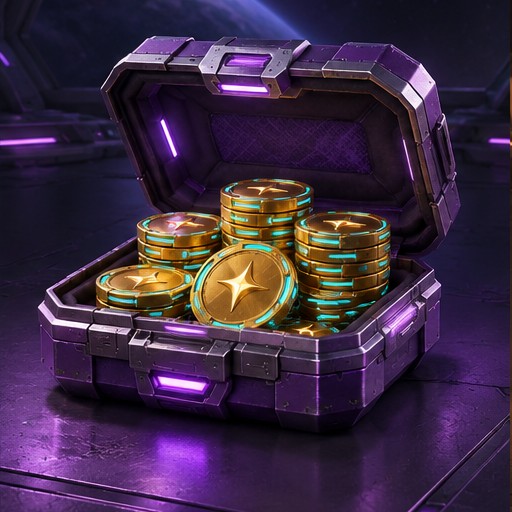
Stellar Credits
SC are used for shop purchases and customization. In the web shop, open Stellar Credits to see the available packs. Checkout shows the price and currency before you confirm.
Use a consumable
Check whether your purchase will be stored or used immediately. Stored items appear in Inventory. To speed up an order, open its queue in the top bar and select the eligible order. Accelerators reduce the remaining time by a percentage and leave a short interval before completion.
Rewarded videos on Android
After signing in on an Android build with ads enabled, open Command → Shop. Under Daily Stellar Credits, watch up to three videos per day for 1 SC each. The server credits your account after Google confirms the view. Check your balance and remaining views before starting another video.
Read next · Your first orders →